🔑 How to Log In to 33NA
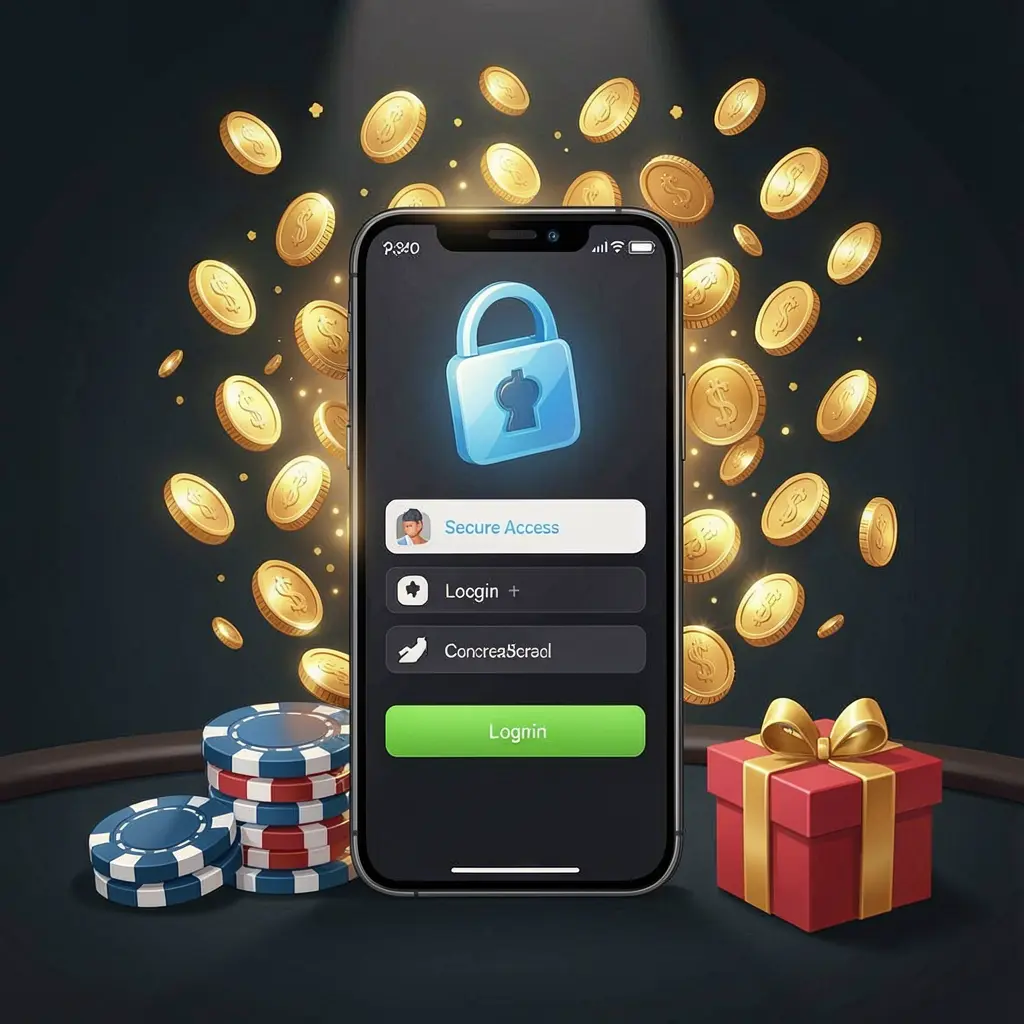
If you already have a 33NA account, signing in lets you reach your account area and available features. Keep your registered details ready before opening the login form.
Select the Login option, then enter the username, phone number, or email connected to your account, depending on the fields shown. Add your password carefully and submit.
- Check spelling and remove any accidental spaces before submitting your details.
- Use a private device and connection whenever possible for safer access.
- Avoid saving login details on shared phones, tablets, or public computers.
After successful access, review your account information and notifications before continuing. If the page does not respond, refresh it once and check that your internet connection is stable.
📝 Creating a New Account
New users can begin by choosing Register on the 33NA website. Complete every required field with accurate information, as these details may be needed for account support later.
- Open the registration form from the main page or login screen.
- Choose a username that does not reveal sensitive personal information.
- Create a strong password using varied characters and avoid familiar phrases.
- Enter your active contact details exactly as requested on the form.
- Read the displayed terms, confirm eligibility, and submit your registration.
If a verification code is requested, enter it only on the official registration page. Do not forward codes or screenshots containing personal account information to anyone else.
🔒 Keeping Your Account Secure
Good security habits reduce the chance of unwanted access. Your password, verification code, and recovery information should remain private, even when someone claims to be helping with your account.
- Use a unique password that is not used for other websites.
- Never share one-time verification codes received by text or email.
- Sign out after using a device that belongs to somebody else.
- Check website addresses carefully before entering your account credentials.
Be cautious with unexpected messages, links, and social-media posts asking you to log in. Open 33NA directly through the official address rather than following unverified links.
❓ Resetting a Forgotten Password
A forgotten password does not require a new account. Use the Forgot Password link on the login screen and follow the recovery instructions connected to your registered contact details.
You may be asked to confirm a phone number, email address, or verification code before setting a replacement password. Choose a new password that differs from earlier passwords and store it safely.
If you no longer have access to your registered contact method, contact official support and provide only the information requested through verified channels. Account checks may be required before changes are made.
📱 Using 33NA on Mobile
You can access the 33NA login page from a mobile browser by using the same account details. For the safest experience, keep your phone updated and protect it with a screen lock.
| Mobile access step | Helpful practice |
|---|---|
| Opening the login page | Use the official website address instead of message links |
| Entering your details | Check that no one can view your screen or keyboard |
| Saving account access | Avoid browser password saving on shared mobile devices |
If a mobile page loads incorrectly, close unused tabs, confirm your connection, and try again. Updating your browser can also help display account pages correctly.
🛟 Login Help and Support
If you cannot sign in after checking your details, start with the password recovery option. It is safer than repeatedly guessing, which may trigger additional account protection checks.
When contacting support, describe the issue clearly, such as an unavailable verification code or an unrecognized login message. Never send your password, full verification code, or private documents through unofficial contacts.
Before requesting account assistance
- Confirm you are using the correct registered contact information.
- Check your spam folder if a recovery email is expected.
- Wait briefly before requesting another verification code after a failed attempt.
- Keep screenshots limited to error messages, never sensitive account details.
Use only support options displayed on the official 33NA website. This helps you avoid impersonation attempts and ensures your request is handled through the appropriate account process.
Use Your Account Responsibly
Take a moment to review your account activity regularly and log out when you finish. If gaming is available through your account, treat it as entertainment and set personal spending limits.
33NA access is intended for adults aged 18 and over. Do not use gambling as a source of income, avoid chasing losses, and seek support if play no longer feels manageable.
❓ Frequently Asked Questions
How do I log in to my 33NA account?
Open the official login page, enter your registered account details and password, then submit the form. Check your connection if the page does not load.
What should I do if I forget my password?
Select the Forgot Password option on the login page and follow the recovery steps using your registered contact information.
Can I create a 33NA account from my phone?
Yes, you can open the registration page in a mobile browser and complete the required fields using accurate contact information.
Why is my verification code not arriving?
Check the registered contact details, network signal, and spam folder where relevant. Wait briefly before requesting another code.
How can I keep my account safer?
Use a unique password, never share verification codes, avoid unverified links, and sign out after using shared devices.